AI summaries for your saved articles, videos and podcasts
Your queue keeps growing, and you no longer remember why you saved half of it. A short summary of a save tells you whether to read it, watch it, listen to it or let it go, without opening the original.
14-day money-back guarantee

How summaries work
Save something
Save an article, a video or a podcast with the browser extension or from the share sheet on your phone.
Compendro adds a summary, tags and a category
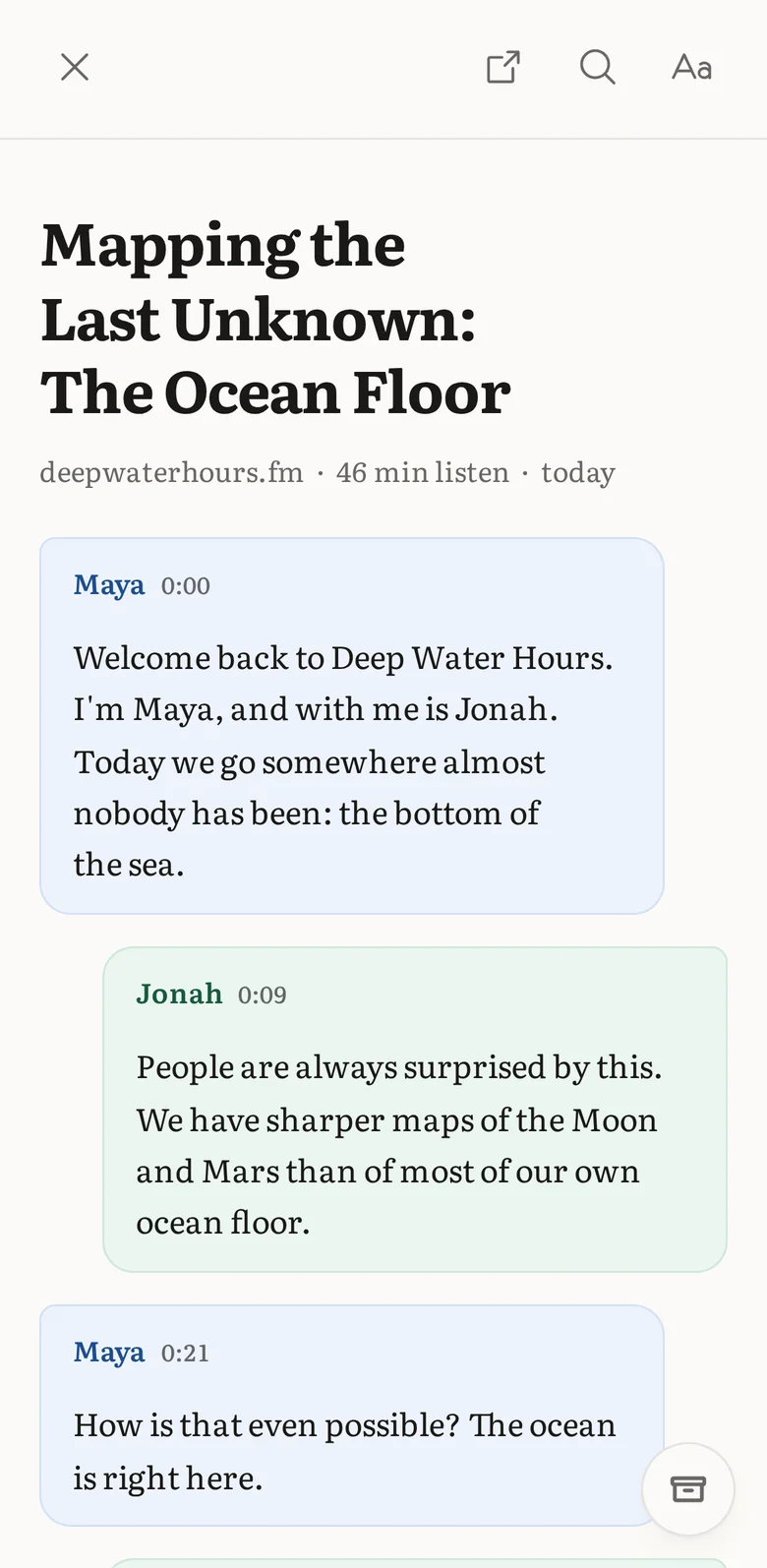
For videos and podcasts, Compendro first creates a transcript, then writes the summary from that transcript.
Decide in seconds
Read the summary and choose: open it now, keep it for later, or drop it from your queue.
Keep the queue organized
Tags and categories group related saves, so your queue stays easy to scan as it grows.
Frequently asked questions
Can the AI summary replace the original article?
No. Summaries are AI-generated reading aids. Use them to decide whether to read, watch or listen to an item, or to drop it. Open the original for the full content.
Does Compendro summarize videos and podcasts?
Yes. Compendro creates a transcript first, then writes the summary from it. It transcribes videos and podcasts up to 2 hours long.
How many saves get a summary?
Every plan includes 85 AI credits a month for summaries, tags and transcripts, and you can save as many items as you like. One credit covers the summary, tags and category of a saved article. If you use up the month's credits, Compendro keeps saving: new saves arrive without a summary until your credits renew.
What are the tags and categories for?
They group your saves by topic, so you can keep your queue organized without filing each item yourself.
Related features
Video and podcast transcripts
A transcript and a summary for saved videos and podcasts up to 2 hours long.AI digest
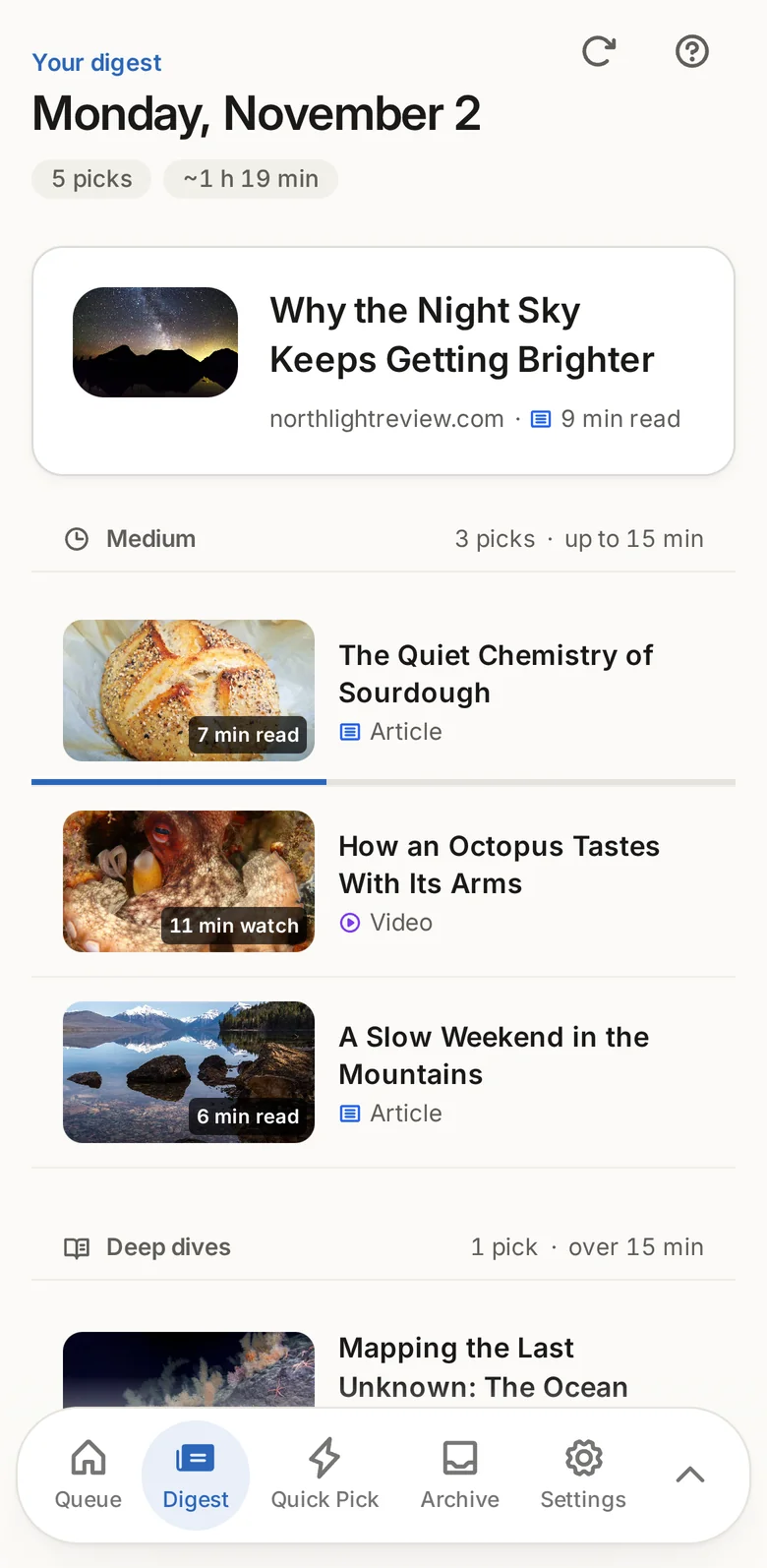
A short newsletter with a selection of your saves and their summaries. You choose when it arrives.Quick Pick
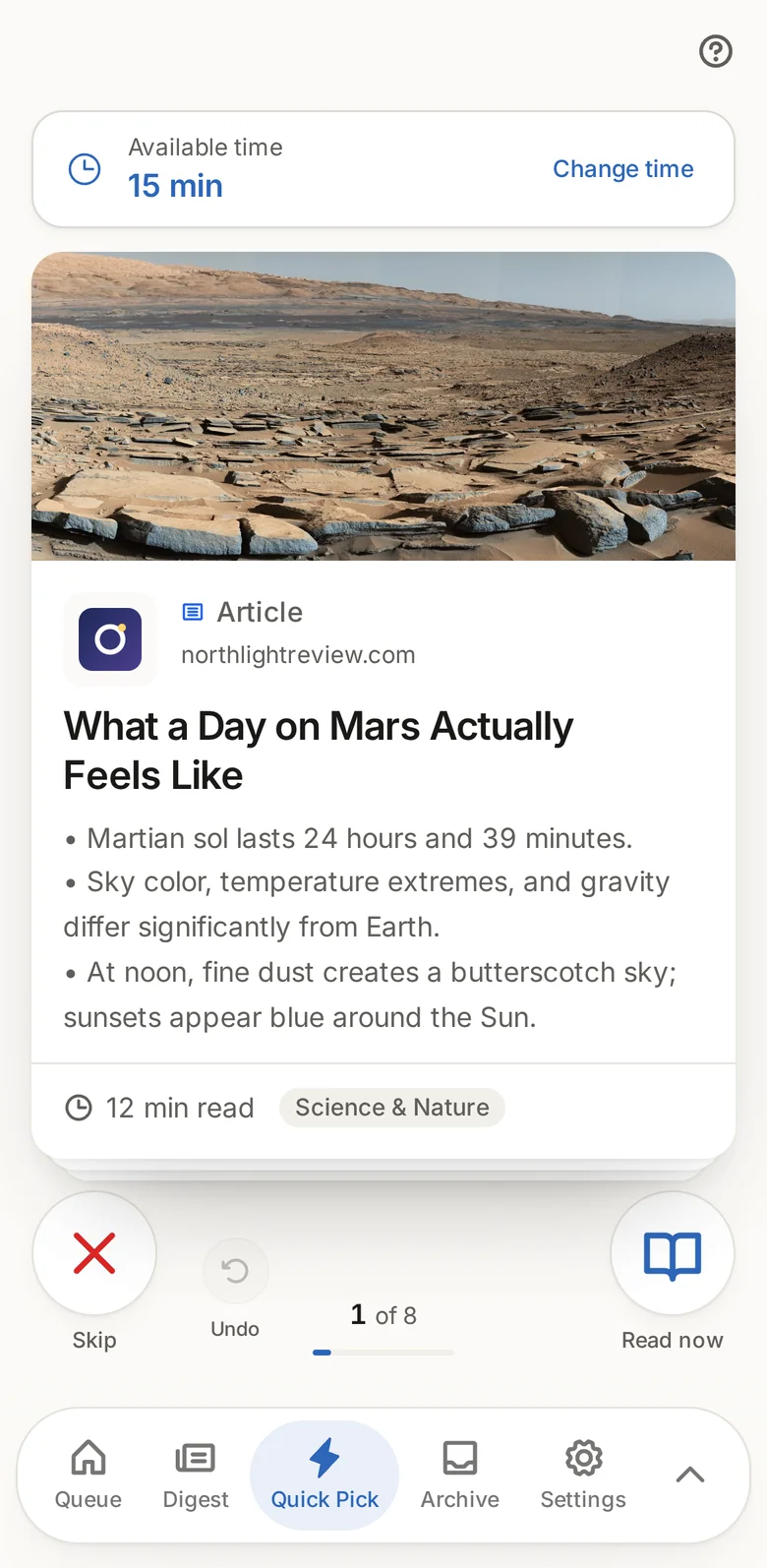
Got ten minutes? Quick Pick suggests saves that take about that long and helps you finish one.
Compare Compendro: Compendro vs Readwise Reader, Compendro vs Instapaper. Or see all comparisons and Compendro pricing.
Know what a save is about before you open it
Compendro is €8.99 per month or €59 per year. Both plans have a 14-day money-back guarantee.
Get Compendro